
NBOX Forensics
Forensic video analysis and face search for investigators.
One device. No live cameras needed. Upload video evidence or exported CCTV footage from any source - multiple feeds at once. Run face search, object detection, and plain-language queries across all of it, and export a timeline for the case file.
Built for post-incident CCTV footage review, suspect search, person-of-interest tracking, movement trail reconstruction, and evidence timeline export.
Request Briefing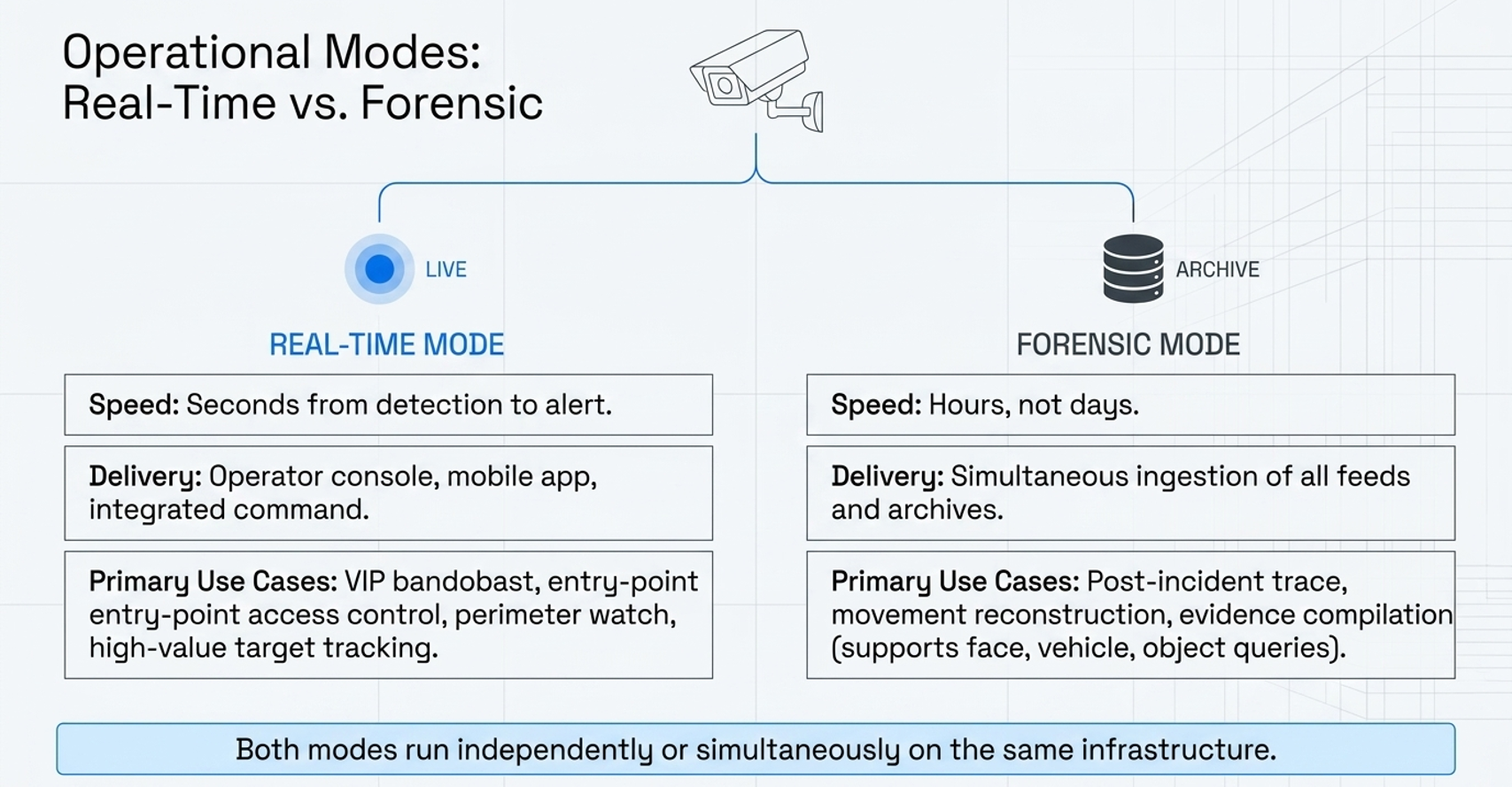
Key Specs
Best for: Police stations and crime records units, airport and transport security, industrial and port security, campus security, corporate investigations, compliance audits.
Who Uses It
Police and Law Enforcement
Post-incident CCTV review, suspect and person-of-interest identification, evidence review, movement trails, and case timeline export.
Airport and Transport Operators
Terminal-wide footage review after security incidents, passenger and staff trail reconstruction across terminals, landside and airside camera feeds, restricted-area breach investigations.
Large Industrial and Infrastructure Sites
Theft and pilferage investigations, safety incident reconstruction, contractor and visitor movement trails across plants, ports, mines, and warehouses.
Related: face recognition for police investigation, campus-scale vision forensics, airport face recognition, and offline face recognition.
Natural Language Query Examples
"Find all red jackets near the exit between 9pm and midnight."
"Show every instance this face appears across all feeds."
"Find all vehicles near camera 3 after 10pm."
"List all people who entered through the north gate on Tuesday."
"Find all instances of two or more people standing together for more than 5 minutes."
"Show all faces that appear in more than three different camera feeds."
Frequently Asked Questions
Can face recognition match old or low-quality photographs?
Yes. FaceTagr Forensics can use reference images, older photographs, and lower-quality images as probes when investigators need to search recorded footage.
How does forensic video analysis with face recognition work?
Upload video evidence or exported CCTV footage from any source. NBOX Forensics processes the files offline, runs face recognition and object detection, and supports plain-language search queries across all footage, returning a timeline of every appearance.
Can investigators search CCTV footage for a suspect or person of interest?
Yes. Investigators upload a reference photograph of the suspect or person of interest and the system returns every appearance across every uploaded feed, with timestamps and camera references for the case file.
Does it require live camera access?
No. NBOX Forensics can work with exported CCTV footage and uploaded video evidence, so investigators can run post-incident review without connecting to live cameras.
What is natural language video search?
You describe what you are looking for in plain English - for example, 'find all people in a red jacket after 8pm' - and the system returns matching results across all camera feeds, without manual scrubbing.
Does it work without internet access or a cloud connection?
Yes. NBOX Forensics runs fully offline on a single device, so video evidence never leaves the station, terminal, or plant. Suitable for air-gapped evidence rooms and chain-of-custody requirements.